

Nov 19, 2026

12 min read
Jewelry Manufacturing Software: A Buyer's Guide for Businesses Outgrowing Spreadsheets and Generic ERP
Jewelry manufacturing software keeps metal, stones, jobs, orders and costs in one shared record. This guide explains what it covers, the signs you have outgrown spreadsheets or a generic ERP, and seven steps to choose a replacement, from mapping one real job to running scripted demos and measuring the rollout.
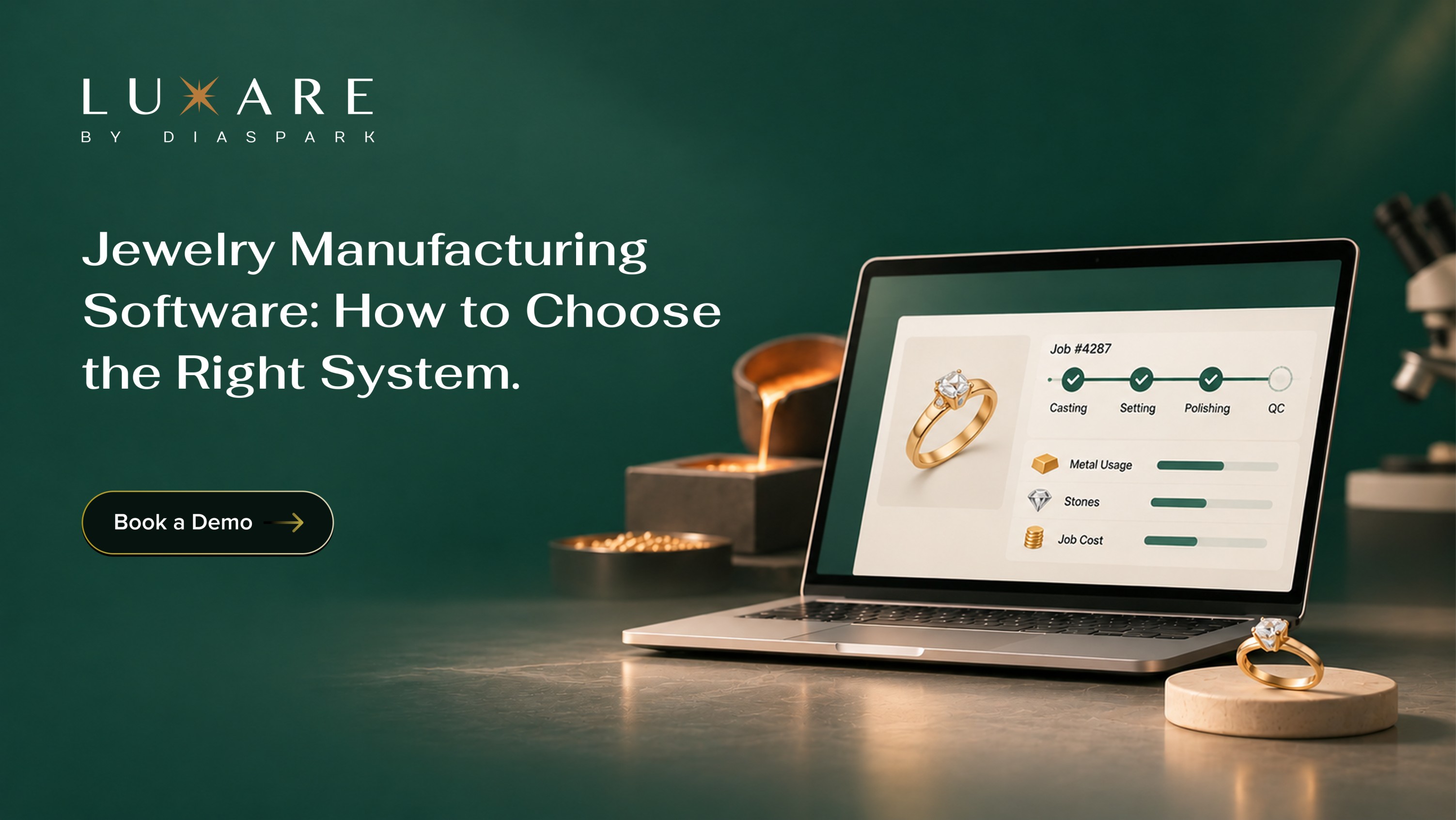
Jewelry manufacturing software is the set of systems a jeweler uses to run production, inventory, orders and finances from one shared record. A good one tracks metal and stones against each job, shows where every job sits on the floor, carries a wholesale order from entry to invoice and costs the finished piece accurately. If your team needs spreadsheets beside a generic ERP to do any of that, you have outgrown your setup.
Most manufacturers get here gradually. A metal workbook appears next to the accounting package, and the job bag carries the real status. This guide covers what the software includes, how to tell which kind of system you have outgrown, and seven steps to choose a replacement that fits how your bench works.
Why Jewelry Manufacturers Are Rethinking Their Systems in 2026
High gold prices have changed the arithmetic on the bench. The LBMA gold price averaged US$4,262 an ounce in the third quarter of 2026, 23% higher than a year earlier, while global jewelry fabrication fell 19% (World Gold Council, Gold Demand Trends Q3 2026). Fewer grams are moving through the shop, and each one is worth more. A loss allowance that looked fine two years ago now costs real money, and a variance found at the month-end count is found too late.
What buyers want is shifting too. In several markets, shoppers have moved toward lighter-weight or lower-carat pieces to manage price (World Gold Council, Q3 2026 jewellery demand). For a manufacturer, that usually means more karat and weight options per style, tighter costing and more re-quoting. Every new option is another row in a workbook someone has to keep current.
Meanwhile, the tools on many production floors have barely moved. IoT Analytics estimates that 54% of small and midsize plants use pen and paper or spreadsheets as their working manufacturing execution system (IoT Analytics, MES Market Report 2025-2031). The figure covers manufacturing in general, but anyone who has followed a job bag from casting to polishing will recognize it.
What Jewelry Manufacturing Software Covers
Jewelry manufacturing software is usually a suite of connected modules. Vendors package them differently, but each one answers a question your team asks every day.
The ERP is the system of record, and the MES feeds it from the floor. When the two share data, a job closed at the bench reaches inventory and finance without anyone typing it twice. Getting every module to agree on the same job is the part that takes real jewelry knowledge.
Two Ways Manufacturers Outgrow Their Systems
Signs you have outgrown spreadsheets
- Metal is reconciled in a workbook that only one person fully understands.
- Job status lives on the bag, and the office finds out by walking the floor.
- Orders arrive as PDFs and emails and get typed into more than one place.
If that list feels familiar, our earlier piece on running jewelry production on spreadsheets covers the day-to-day cost in more detail.
Signs you have outgrown a generic ERP
A generic ERP fixes the spreadsheet problem on paper. In practice, the jewelry part often ends up living beside it.
- The ERP holds the order, but metal issue and return still sit in a separate sheet.
- Karat, stone and finding details live in custom fields or free-text notes that reports cannot read.
- Each upgrade breaks a customization someone paid for years ago.
- Your implementation partner knows the software well and jewelry hardly at all.
This pattern is common well beyond jewelry. Panorama Consulting Group's 2026 ERP Report found that more than a quarter of organizations went over budget, most often because they needed technology they had not planned for. The firm says misfits tend to surface late, pushing teams into extra tools, wider scope and custom builds (Panorama Consulting Group, 2026 ERP Report). For a jeweler, the misfit is usually metal, stones and job bags.
How to Choose Jewelry Manufacturing Software: 7 Steps
Step 1: Map one real job before you talk to any vendor
Pick a recent job that was a little messy, such as a custom order that changed or a remake, and write down every step from order to invoice. Who entered it, where metal was issued, which departments it passed through, what came back as scrap, when it was costed and how the customer was billed. Mark every point where someone retyped data or checked a spreadsheet.
That map becomes your evaluation script. It also shows where the pain really is. Plenty of manufacturers assume the problem is production, then find most of the delay sits in order entry or vendor follow-up.
Step 2: Write down your metal, stone and costing rules
Every shop runs on rules that live in someone's head. Put them on paper before the first demo:
- The karats and alloys you work in, and how you convert between them.
- Acceptable loss for each process, such as casting, filing and polishing.
- How metal is valued in a job: at purchase cost, at the price on the day of issue, or at a standard cost.
- How stones are tracked: by parcel, by lot, or individually with certificates.
These rules expose software that treats metal as a simple quantity. If a system cannot hold your loss allowances by process, someone will be back in a spreadsheet within a month.
Step 3: Decide which modules you need now and which can wait
You probably don't need everything on day one. For many shops, ERP comes first, because it holds inventory, orders and finance. MES comes next if job status is your biggest blind spot. Order entry moves up the list if you take a lot of wholesale orders by PDF or at trade shows. A vendor portal earns its place once outside casters, setters and suppliers become a regular source of delay.
Ask each vendor whether its modules share one set of data or connect through integrations. The answer matters most later, when you add the second module. Luxare, for example, builds its MES on the same data layer as its ERP, so floor status reaches inventory and finance without a manual handoff.
Step 4: Shortlist jewelry-specific vendors and ask what is configured versus coded
Three vendors is enough for a shortlist. For each, ask a direct question: which of my jewelry requirements are standard, which are configured, and which need custom development? Ask for the answer in writing, line by line against your Step 2 rules.
Configuration is normal. Custom code is where cost and upgrade risk pile up, which is the pattern the Panorama research describes. Ask how many of the vendor's current customers run jewelry manufacturing, and whether you can speak to one that looks like you.
Step 5: Run a scripted demo with your own job
Send each vendor your Step 1 map a week ahead. Ask them to run that job live: order entry, metal issue, the production stages, scrap and loss, finished goods, costing and invoice. Then change the order halfway through and watch what happens.
Bring the people who will use the system every day. A bench supervisor will see in five minutes whether recording a stage on the floor is realistic, and your controller will know whether the cost roll-up matches how you close the month. For a longer list of what to test, use our jewelry ERP demo checklist.
Step 6: Check deployment, integrations and data migration
Ask where the software runs and who maintains it. Cloud deployment removes server upkeep and makes remote access easier for owners and multi-site teams. On-premises can suit businesses with specific IT or data requirements. Luxare's jewelry ERP supports both, and it is worth confirming the options with every vendor you speak to.
Next, list the systems you are keeping. Will your accounting package connect, and how do the two stay in agreement when a job closes or an invoice changes? Then plan migration. Decide which records you need on day one: open orders, current inventory with metal and stone detail, and active customers and vendors.
Step 7: Plan the rollout and measure it
Agree what "working" means before you sign. Pick three or four numbers you can measure today, such as hours spent on month-end metal reconciliation, jobs past their promise date, orders re-keyed per week and days to close the month. Record them now so you have something to compare against after go-live.
Many manufacturers phase the rollout by department or product line. Ask who trains your team and what support looks like after launch, and get the plan in writing with named owners on both sides.
Mistakes to Avoid When Choosing Jewelry Manufacturing Software
Keeping the "temporary" metal spreadsheet after go-live
It starts as a safety net for the first month. A year later it is the real record and the new system is the copy. Set a date to retire it, and make the software the only place metal is issued and returned.
Leaving the floor team out of the decision
This is the one owners miss most often. Production data is only as good as the people recording it at the bench. If setters and polishers find stage updates slow, they will batch them after the shift, and your live view of the floor will run hours behind. Let them try it during the demo.
Migrating every record you have ever kept
Moving twenty years of closed jobs slows the project and carries old errors into a clean system. Bring over what you need to operate, clean it first, and archive the rest where people can still search it.
Choosing for this year's volume
Ask how the system handles a second facility, a new legal entity or a wholesale channel you plan to open. Asking now costs an hour. Replacing software again in three years costs a great deal more.
Systems to Consider for Jewelry Manufacturing
- Luxare ERP: Manages production, inventory, purchasing, sales and accounting in one connected system built for jewelry manufacturers and wholesalers.
- Luxare MES: Real-time visibility into every stage of production, from job creation to final quality check.
- Luxare Order Entry: Takes wholesale orders from automated PDF entry through to shipment, with memo, asset and closeout tracking.
- Luxare Vendor Portal: Confirms purchase orders, manages packing slips and tracks production commitments with your vendors in one place.
- Luxare CRM: A central view of every wholesale account, including purchase history, special orders and account notes.
- Your existing accounting software: If it works for your finance team, ask every vendor exactly how it connects and how the two stay in agreement.
Key Takeaways
- Jewelry manufacturing software should keep metal, stones, jobs, orders and costs in one shared record.
- Map one real job from order to invoice before speaking to any vendor, and use it as your demo script.
- Ask each vendor, in writing, which requirements are standard, configured or custom-coded.
- Bring your bench supervisor and controller to the demo, because they will spot problems a feature list hides.
- Retire the side spreadsheet on a fixed date after go-live.
Choosing Software That Fits the Bench
The right jewelry manufacturing software follows your jobs the way they actually move, through casting, setting and polishing, with metal accounted for at every step and the order, cost and invoice attached. Most of what matters on a feature list depends on getting that part right.
The hard part is the evaluation. Demos are polished and teams are busy. A real job, your own rules and people from the floor in the room will tell you more in one afternoon than weeks of comparing feature lists.
That is the standard Luxare builds to for jewelry and watch manufacturers and wholesalers, with ERP, MES, order entry, CRM and a vendor portal designed around how the trade works. To see how the modules fit together, explore our jewelry manufacturing software overview.
Your bench knows where every job is. Your system should too.
See how Luxare connects production, metal, orders, vendors and finance for jewelry manufacturers and wholesalers, from a team with 30+ years in the industry, trusted by 70+ leading jewelry businesses. Book a Demo
Frequently Asked Questions
What is jewelry manufacturing software?
Jewelry manufacturing software is business software that runs production, inventory, orders, vendors and finances for companies that make jewelry. Unlike general manufacturing software, it handles metal by karat and weight, stones by lot or certificate, job bags, and styles that come in many metal and size options. Most suites combine an ERP for business records with an MES for the production floor.
How is jewelry manufacturing software different from a generic ERP?
A generic ERP is built for manufacturing across many industries, so jewelry needs are usually handled through configuration, custom fields or custom code. Jewelry manufacturing software starts with those needs built in, including metal issue and return by job, loss by process, stone tracking and memo. The difference shows up most in upgrades and reporting, where custom fields are hard to report on and can break when the software is updated.
Do jewelry manufacturers need both ERP and MES?
Most growing manufacturers benefit from both. The ERP holds orders, inventory, purchasing and finances, while the MES records what happens at each production stage. Without an MES, the ERP shows what was planned, not what happened. Smaller shops often start with ERP and add MES once job status becomes the main bottleneck.
How does jewelry manufacturing software track metal loss?
The system records how much metal is issued to a job or department, how much comes back as finished goods, scrap or filings, and how much is recovered through refining. Loss is the difference, measured against the allowance you set for each process. Good software reports this by job, department, karat and period, so a rising loss rate shows up within days.
How much does jewelry manufacturing software cost?
Cost depends on the modules you choose, the number of users and locations, whether you deploy in the cloud or on-premises, and how much data you migrate. Expect each vendor to quote against your scope. Ask for a written five-year total that covers licenses or subscriptions, implementation, training, integrations and support. Compare that total across vendors, not the first-year price.
Should jewelry manufacturing software be cloud-based or on-premises?
Both can work. Cloud removes server maintenance, keeps everyone on the current version and makes remote access simpler for owners and teams across sites. On-premises can suit businesses with strict IT policies or unreliable connectivity at a facility. Ask each vendor which options it supports and how cost and upgrades differ.
Can one system handle both jewelry manufacturing and wholesale?
Yes, if it was designed for both. Many manufacturers also sell wholesale, so production, inventory, memo, orders and customer accounts need to share the same data. Ask the vendor to show a wholesale order placed on memo, turned into a production job and then invoiced, all in one flow.
How long does it take to implement jewelry manufacturing software?
It depends on the modules, the number of locations and how much data you migrate. A phased rollout, starting with ERP and adding MES or a vendor portal later, gets the first part live sooner and gives your team time to adjust. Ask each vendor for a written plan with milestones, named owners, a data migration approach and training dates.
Related Resources
Who Has Your Goods? How to Track Jewelry Memo and Consignment
Memo counts drift when the paperwork stops following the goods. Here’s where memo goes missing between jewelry and watch suppliers and retailers, and a 15-minute check to run before holiday memo ships.
Who Has Your Goods? How to Track Jewelry Memo and Consignment
Memo counts drift when the paperwork stops following the goods. Here’s where memo goes missing between jewelry and watch suppliers and retailers, and a 15-minute check to run before holiday memo ships.
Who Has Your Goods? How to Track Jewelry Memo and Consignment
Memo counts drift when the paperwork stops following the goods. Here’s where memo goes missing between jewelry and watch suppliers and retailers, and a 15-minute check to run before holiday memo ships.
Jewelry ERP With Reporting: What to Ask Before You Buy
A jewelry ERP with reporting should give manufacturers and wholesalers clear, real-time visibility into production, metal variance, orders, inventory and margins. This guide covers nine essential questions to ask during an ERP demo, helping businesses evaluate reporting capabilities, reduce spreadsheet dependency and make better operational decisions using connected, reliable data.
Jewelry ERP With Reporting: What to Ask Before You Buy
A jewelry ERP with reporting should give manufacturers and wholesalers clear, real-time visibility into production, metal variance, orders, inventory and margins. This guide covers nine essential questions to ask during an ERP demo, helping businesses evaluate reporting capabilities, reduce spreadsheet dependency and make better operational decisions using connected, reliable data.
Jewelry ERP With Reporting: What to Ask Before You Buy
A jewelry ERP with reporting should give manufacturers and wholesalers clear, real-time visibility into production, metal variance, orders, inventory and margins. This guide covers nine essential questions to ask during an ERP demo, helping businesses evaluate reporting capabilities, reduce spreadsheet dependency and make better operational decisions using connected, reliable data.
Before the Rush: A Holiday Readiness Checklist for Jewelry and Watch Businesses
The holiday problems that break jewelry and watch businesses in December start weeks earlier. Here is what to fix on the sales floor, at the repair bench and on the order desk before Thanksgiving weekend.
Before the Rush: A Holiday Readiness Checklist for Jewelry and Watch Businesses
The holiday problems that break jewelry and watch businesses in December start weeks earlier. Here is what to fix on the sales floor, at the repair bench and on the order desk before Thanksgiving weekend.
Before the Rush: A Holiday Readiness Checklist for Jewelry and Watch Businesses
The holiday problems that break jewelry and watch businesses in December start weeks earlier. Here is what to fix on the sales floor, at the repair bench and on the order desk before Thanksgiving weekend.


